 tastecodehow it worksquestionsdownload
A new home for your coding agents.
A desktop workspace for Codex, Claude Code and Grok, with Design Mode built in. Bring the subscriptions you already pay for.
macOS (Apple silicon) and Windows
Free and open source · early beta 0.1.1

How it works
Turn on Design, describe the site, and the agent works from brief to review, then opens the result in the Browser tab beside the chat.
Around it, the rest of the app: the preview at every screen size, one picker for every agent, projects and chats, and a review of every hunk.
Skip the tour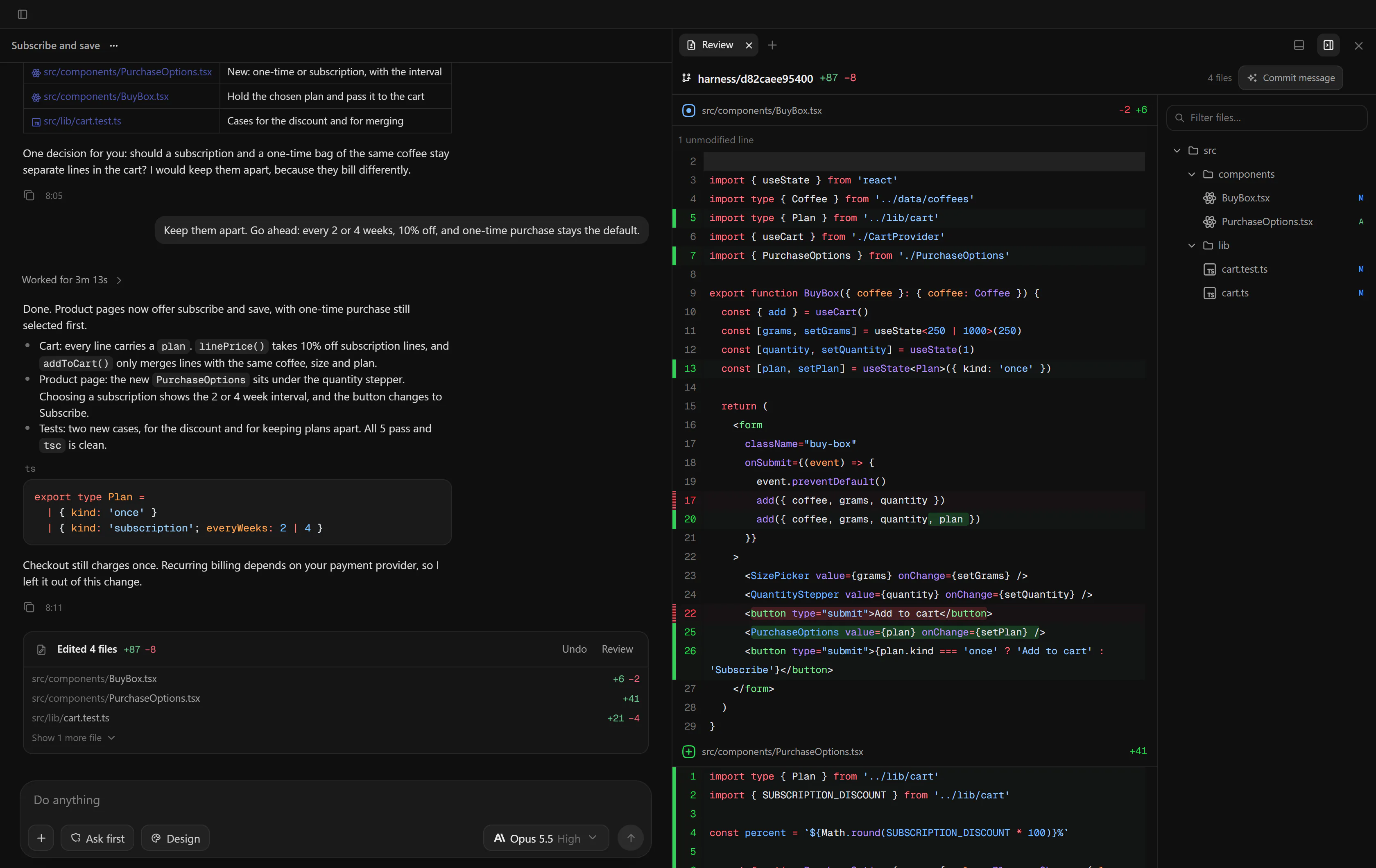
- Live preview, beside the chatThe site runs on your own dev server and opens in the Browser tab.
- Every screen sizeSwitch the preview between desktop, tablet and mobile.
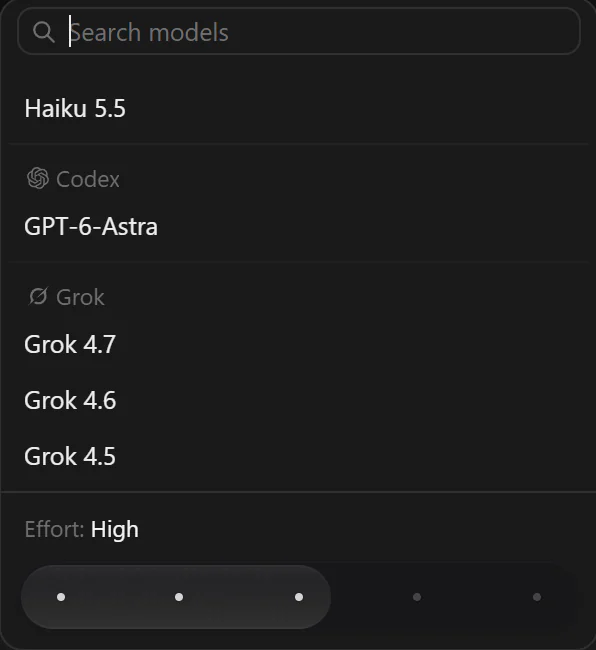
- Any agent, one pickerClaude Code, Codex and Grok, each with its own models and effort.
- Projects and chatsPinned, searchable and running in parallel.
- Review every hunkAccept or reject each change, or undo the whole turn.
TasteCode is a desktop app for the coding agents you already use. It runs Codex, Claude Code and Grok on your own machine, signed in with your own accounts, and keeps projects, chats and every change in one window.
your plans
Each provider runs its own CLI on your computer. Your existing plans just work, and the app shows what each one has left.
- Codex
codex login - Claude Code
claude auth login - Grok
grok login
providers differ
Providers differ. Where one cannot do something, TasteCode hides or explains the control instead of pretending. Grok, for example, has no approval step, so Ask first applies to Codex and Claude Code only.
design mode
Turn on Design in the composer and describe the site. The agent works through a fixed run, from brief to review, and hands you a running preview instead of a list of questions.

The run
Eight phases, each a row in the thread while it runs. The plan is saved in the project's .taste/ folder as brief, brand, page, assets and review files.
The next release also requires a mobile capture in the review.
- Understanding the requestChecks that it is a website task and writes down reasoned assumptions instead of asking you questions.
- Creating brand directionColour, type and tone for this site.
- Planning the pageFinal copy, every section, a layout reference for each, and the motion.
- Gathering assetsReal image files for the page, sourced or generated.
- Building the websiteWritten into your project, in the framework it already uses.
- Starting the previewStarts your project's dev server, or serves the files, on 127.0.0.1 and opens the Browser tab.
- Reviewing the designCaptures the running page and rates every finding as blocking, major or minor.
- Refining the websiteFixes what the review found, at most two passes, each reviewed again.
Every step shows up in the thread.
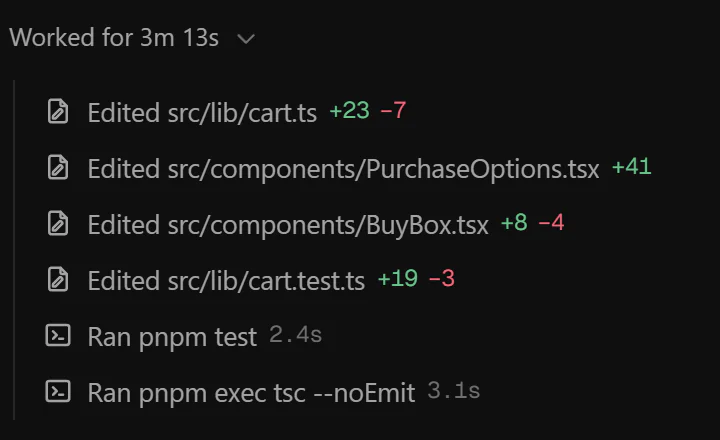
Commands, reads and edits appear as they happen, with the output one click away. Keep typing while it works: queue the next message, or steer the running turn where the agent supports it.
Ask first
approvalsCodex and Claude Code stop and wait for you before they run a command, write to your files or reach further. The other modes are Auto, Auto-review (Codex) and Full access.
Review every hunk
reviewAccept or reject each change in the diff, or undo the whole turn from its edits card.
Checkpoints
restoreIn a git project TasteCode saves a checkpoint before every turn. Files and conversation move back together, and you can undo the restore afterwards.
Up close
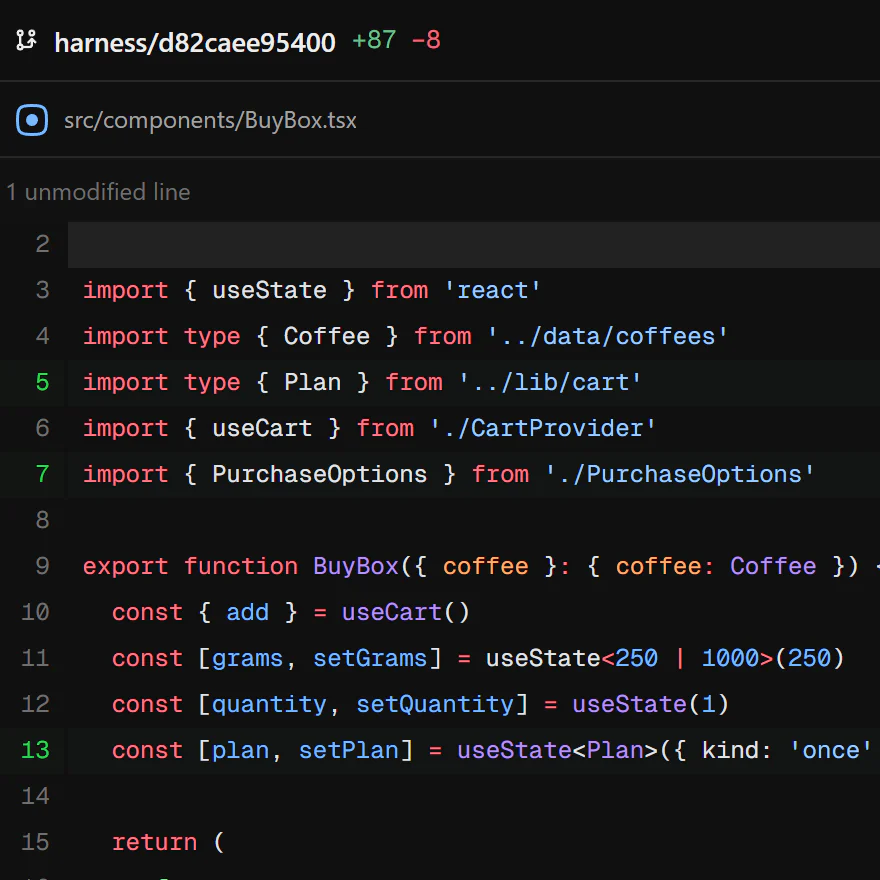
review panelThe changes in a diff, beside the chat. 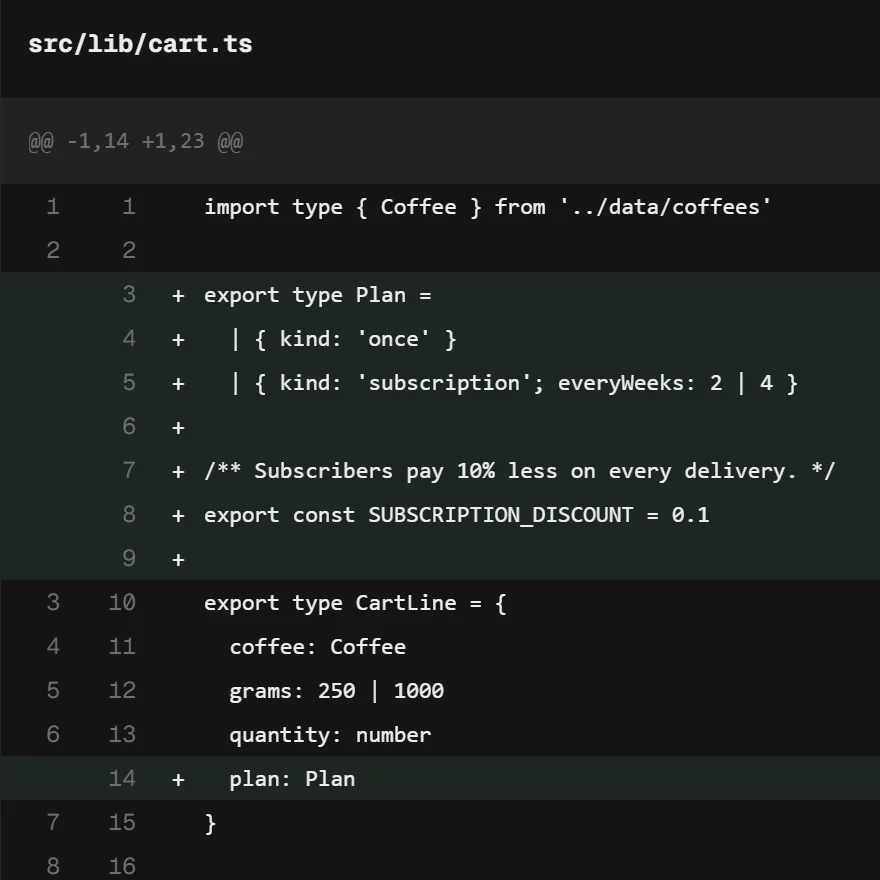
one hunk at a timeAccept or reject each change before you keep it. 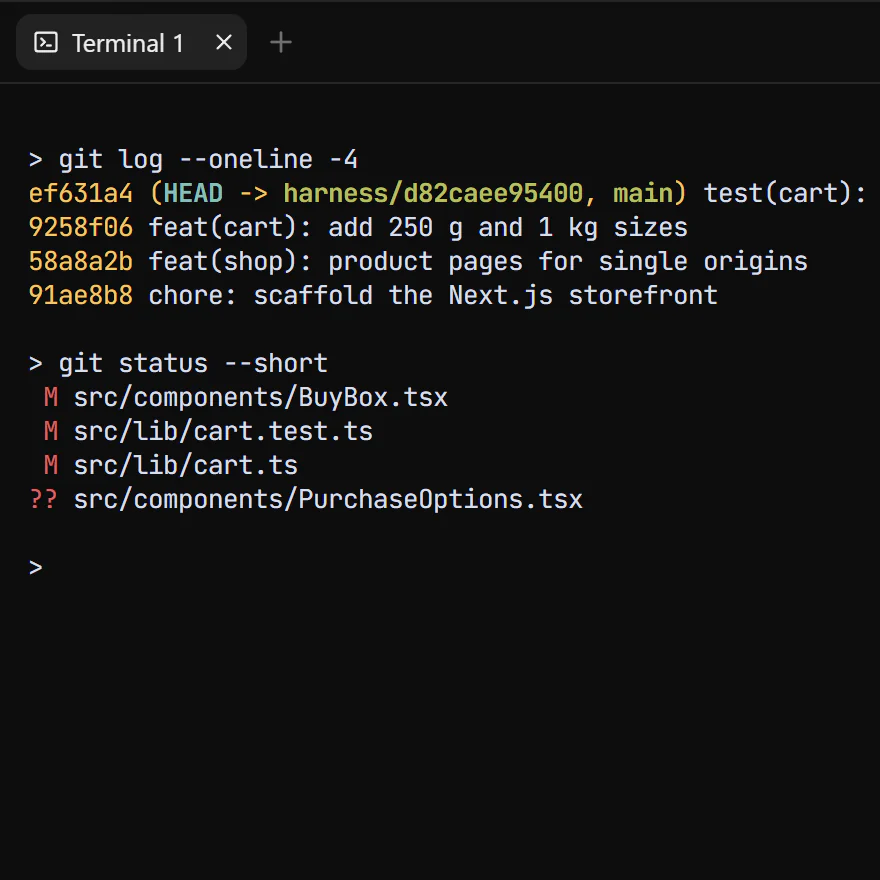
terminalA shell in the project, under the chat.
open source
Free under the Apache 2.0 license. The code, the issues and every release are on GitHub.
Leonxlnx/tastecodeA few questions
What it costs, what it needs, and where this early beta stops.
What does it cost?
Nothing. TasteCode is free and open source under the Apache 2.0 license. The agents run on your own Codex, Claude Code or Grok plans, so their usage counts against those plans.
Which agents can I use?
Codex, Claude Code and Grok. Each runs through the provider's own CLI on your computer, signed in with your account: codex login, claude auth login or grok login.
Why does Windows warn me about the installer?
The Windows build is unsigned, so SmartScreen may show a warning before it runs. The macOS build is signed and notarized. Checksums are on the releases page.
Is there a build for Intel Macs or Linux?
The macOS download is for Apple silicon only. A Linux preview (.deb and AppImage) is published on the GitHub releases page.
Is the Design Mode run on this page a recording?
No. It is an illustration of a run, recreated in the page with demo content, so the timing and the files in it are examples. The screenshots elsewhere on the page are real captures of the app.
Are the screenshots from 0.1.1?
They come from the development build that becomes the next release, so some labels differ in 0.1.1. Model names are whatever each provider's CLI reports and change with their releases.